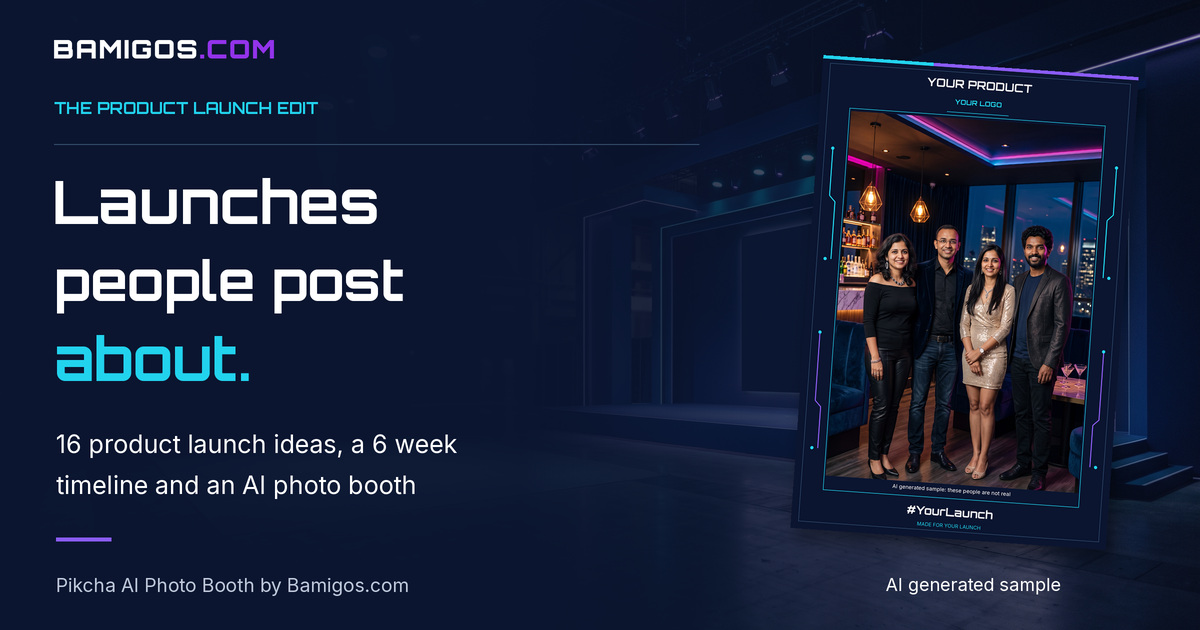
Planning a product launch and want it to be remembered for more than a ribbon cutting and a few speeches? This guide covers launch formats, a six week planning timeline, a checklist, 16 product launch ideas, and how to measure whether the launch worked. It starts with one idea that gives every guest a reason to post: an AI photo booth.
The advice is written for brand and marketing managers at Indian D2C, FMCG, consumer electronics, auto and real estate brands. It works for a press event, an influencer preview, a store or mall launch and a dealer launch alike.
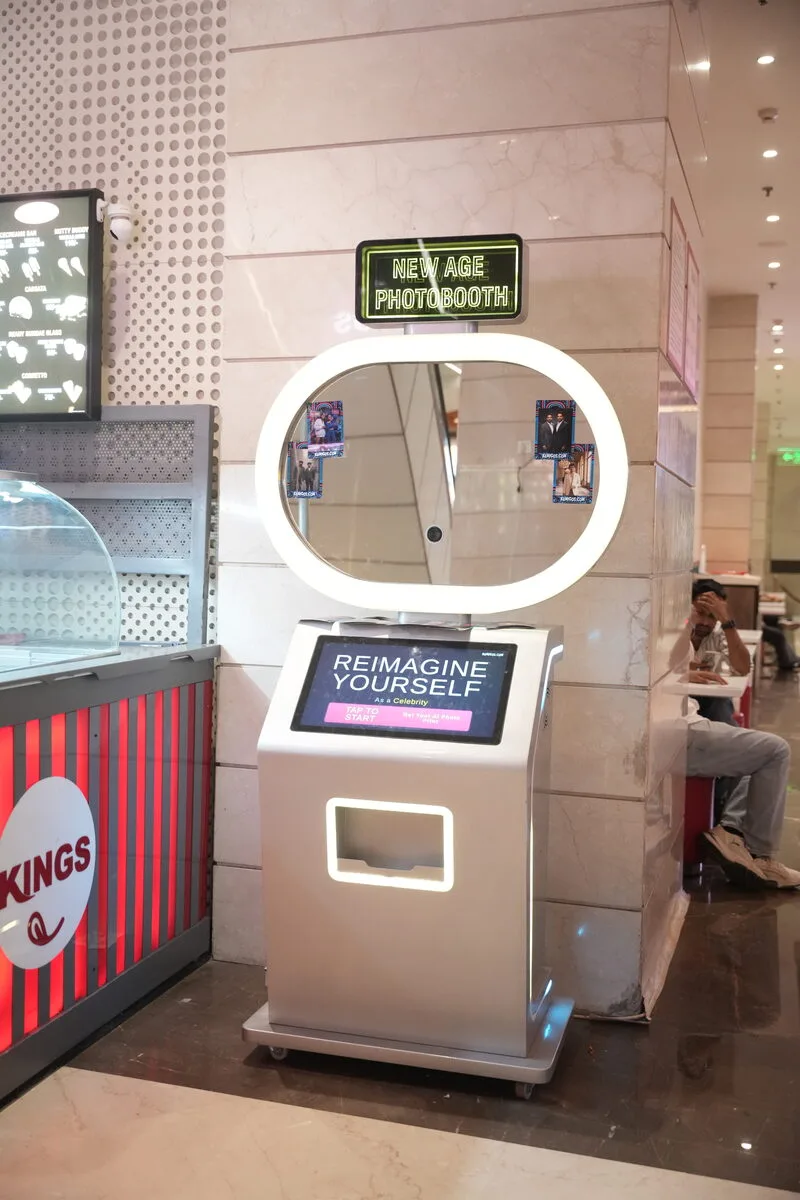
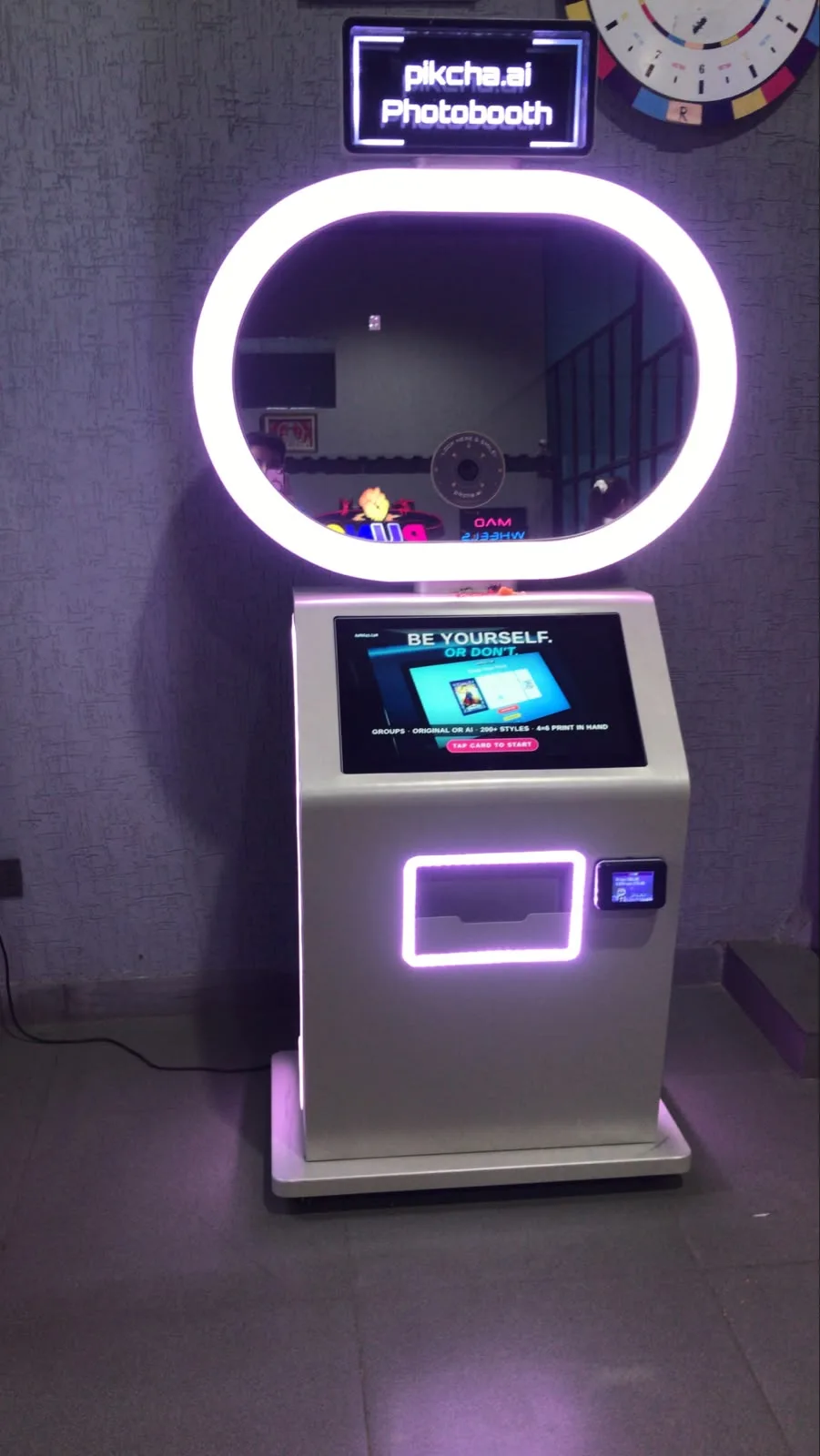
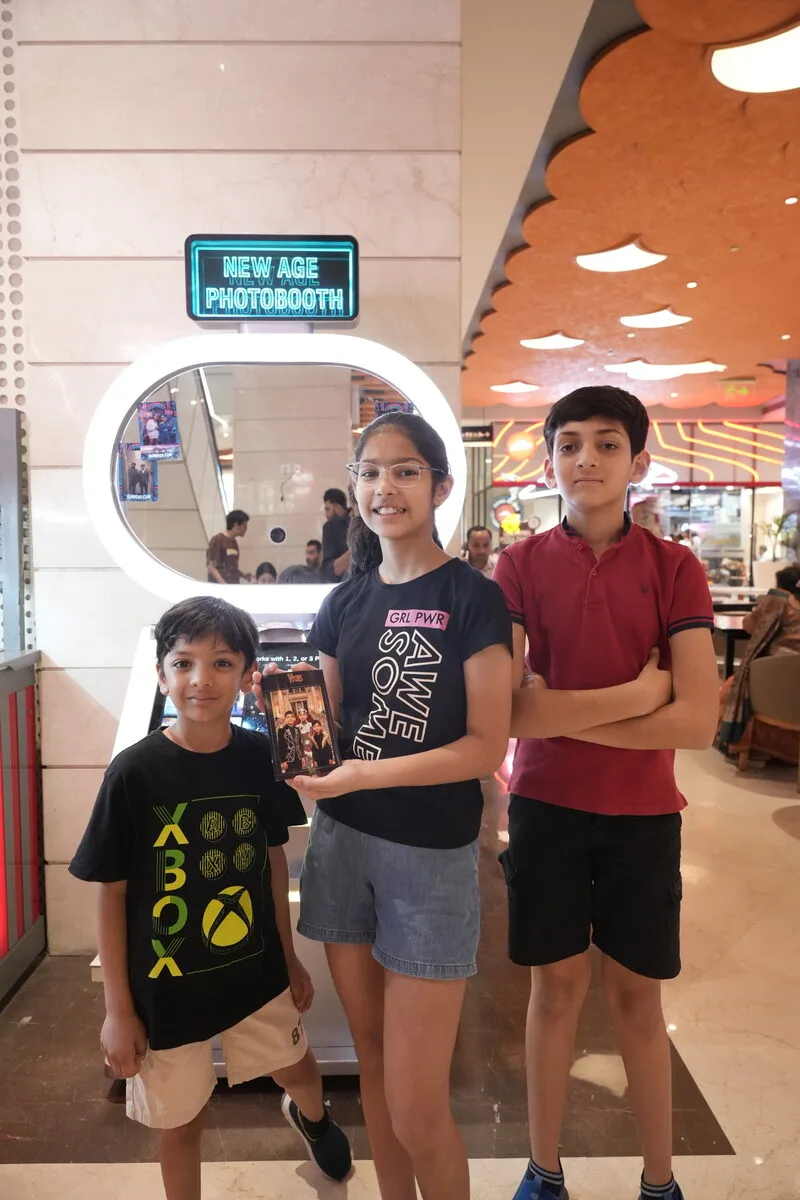
Make an AI photo booth the shareable moment of your launch
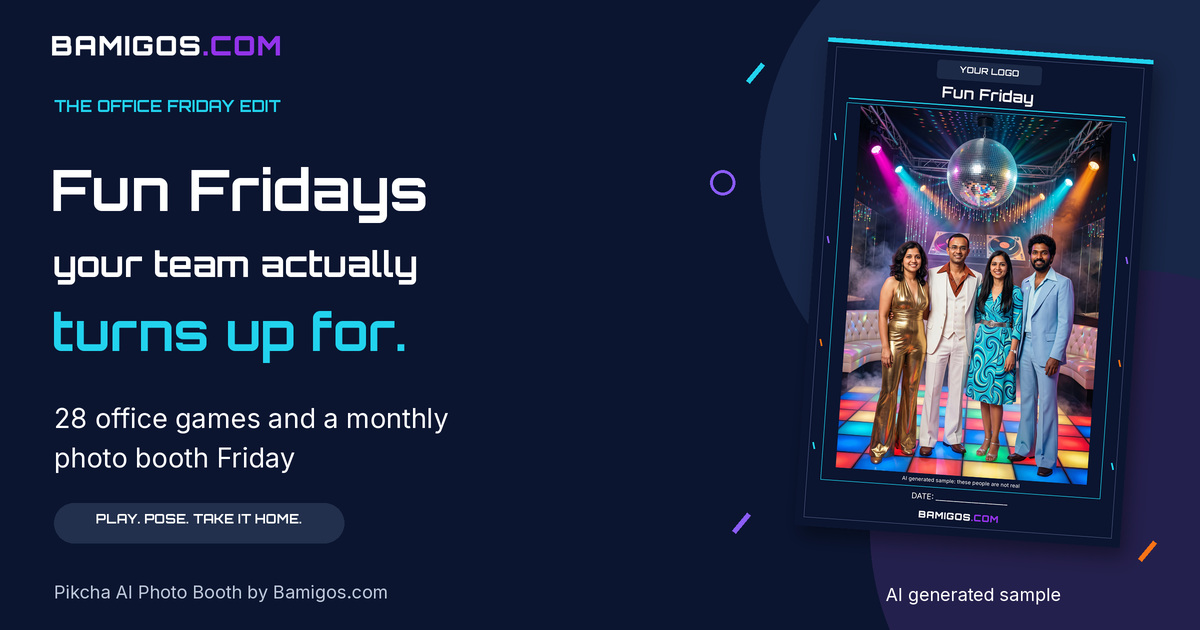
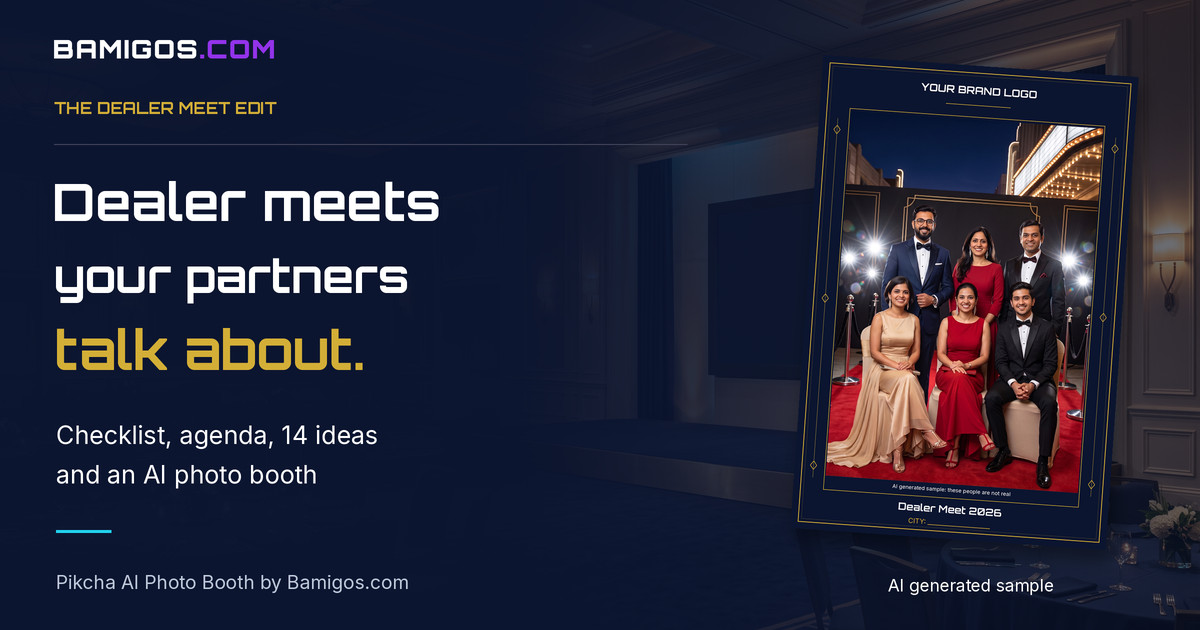
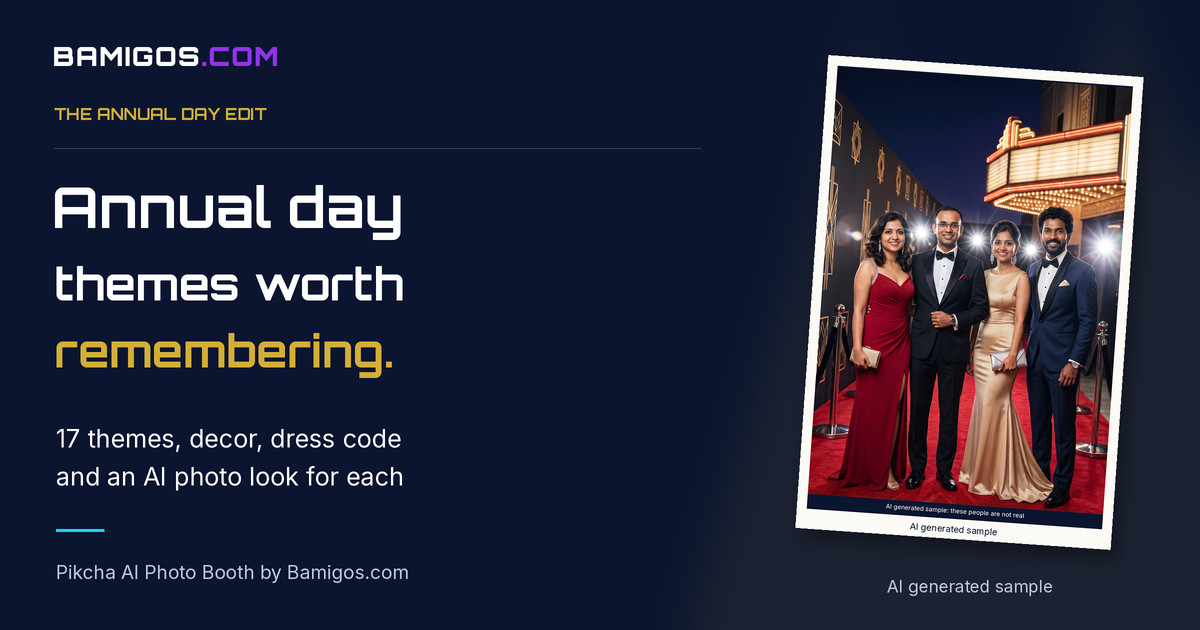
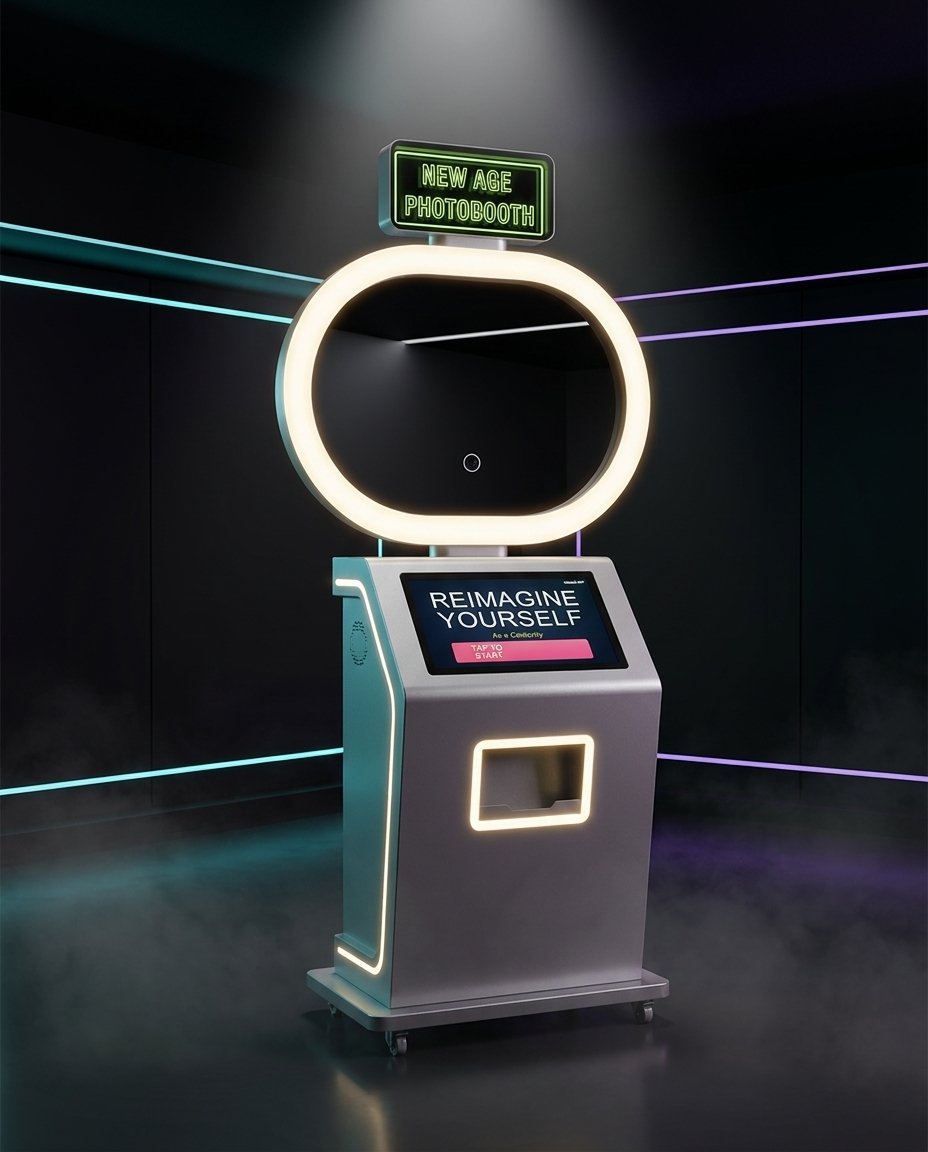
A launch is judged by what people post afterwards, not by how many chairs were filled. A Pikcha AI Photo Booth gives every guest a simple reason to take out their phone. Guests step up, pick a look built around your product or campaign, and walk away with a print they want to show people.
Here is how brands use it at a launch:
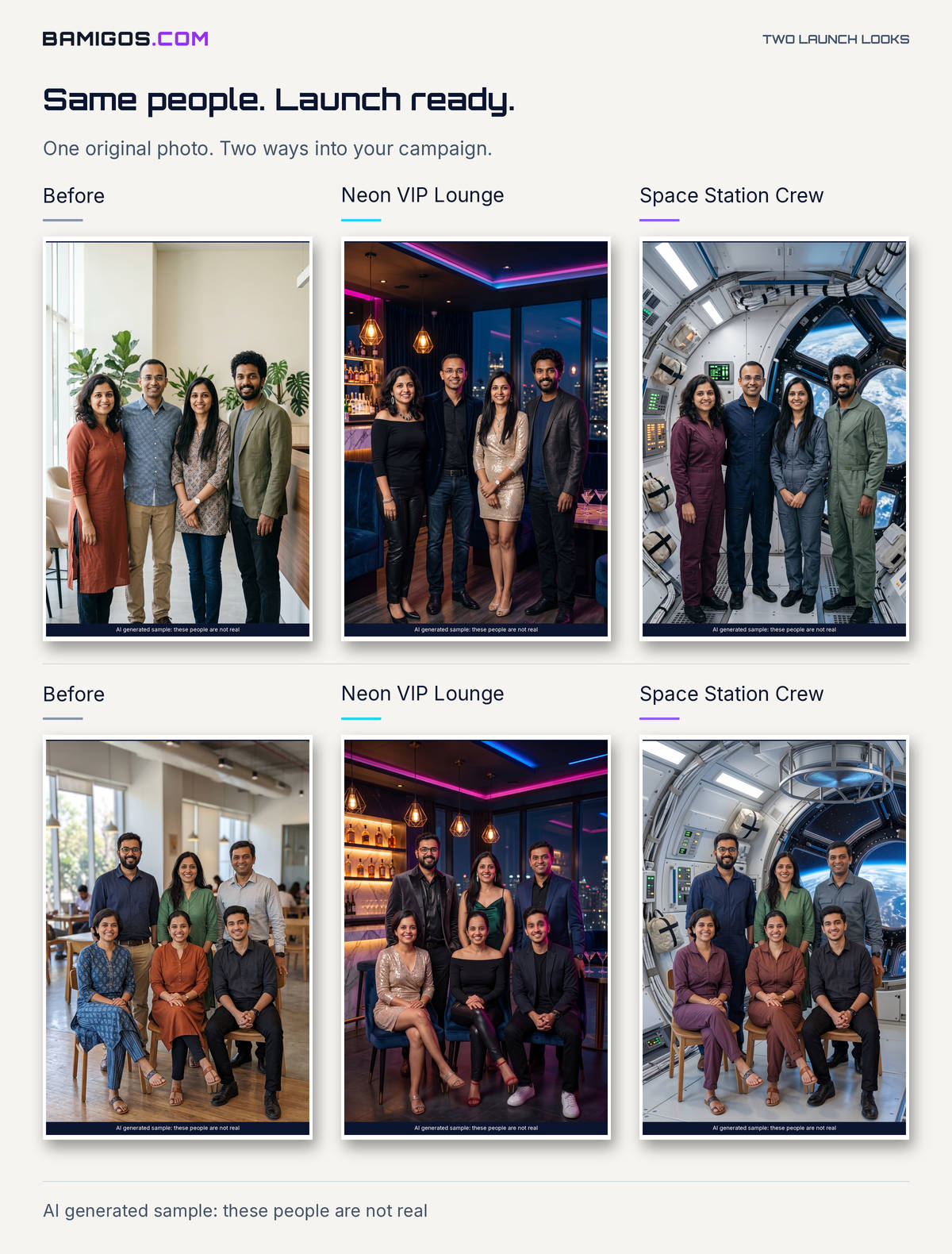
- A look built around your product or campaign. The booth runs 200+ AI effects, and we can build a look around your product, your colours or your campaign story. It works with real photos and AI photos.
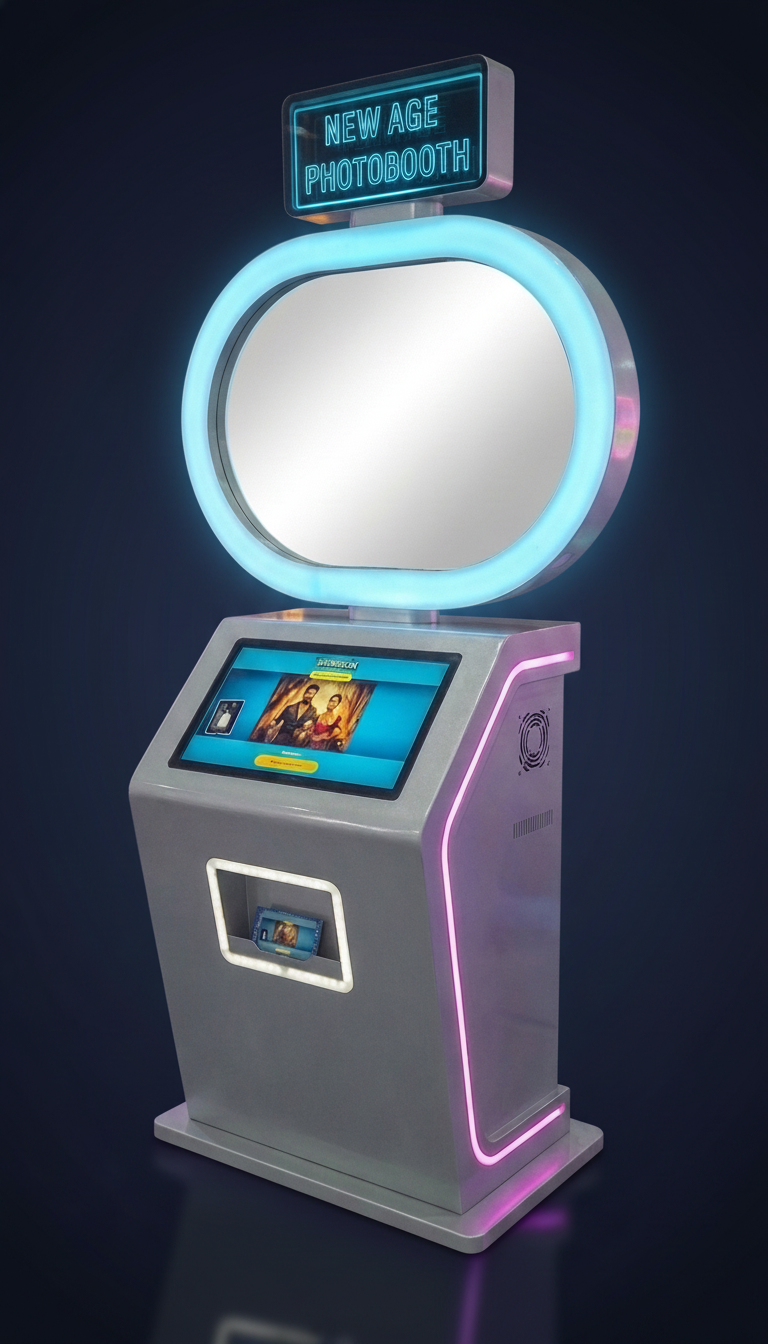
- Your launch on the screen and the print. The welcome screen and the 4x6 print frame carry your product, logo and launch hashtag, so every print is a small ad guests carry home.
- A print and a WhatsApp copy. Each guest gets a 4x6 print or strip plus a copy on WhatsApp, which is the copy they post. That is your user generated content and your reach.
- Contact details, if ops supports it. The booth can collect contact details with guest consent for your follow-up. Ask us about collecting opt-ins when you plan the setup.
- An attendant on site. Our attendant runs the booth, handles the queue and keeps prints flowing, so your team can stay with guests.
- Fits where launches happen. The booth needs about 6.3 sq ft, so it fits in a store, a mall atrium or a hotel foyer.
Rental is from ₹55K/day, with unlimited prints and an attendant included. Travel and logistics are quoted by city. You can request a quote for an AI photo booth rental with your date, city and guest count. If you are launching in NCR, see photo booth rental in Delhi NCR.
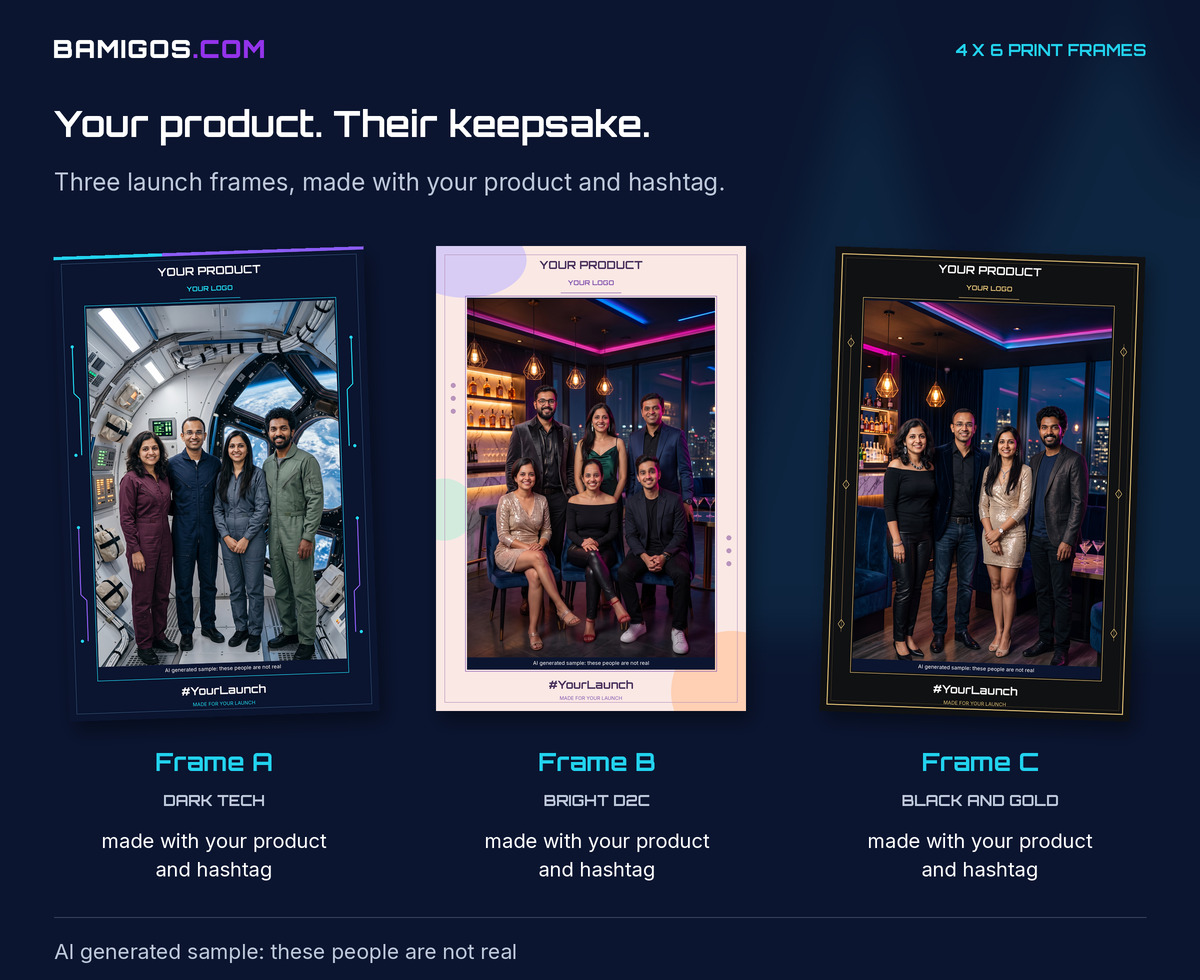
See a booth working as a brand activation
This short video shows Pikcha AI Photo Booth by Bamigos.com running inside a store, with guests walking up and leaving with prints.
Product launch formats: which one fits you?
Pick the format by who you need to reach, not by what looks biggest. Most launches mix two of these.
- Press event. Best for a new category or a big announcement. Keep it short, with a clear reveal, a demo and time for one on one questions. Journalists need photos and facts they can use the same day.
- Influencer or creator preview. Best for D2C, beauty, food and consumer electronics. Give creators a hands-on session, good light and a reason to shoot. Plan content moments, not speeches.
- Store or mall launch. Best when footfall is the goal. Use an open space such as an atrium, a store entrance or a pop-up, and keep the experience quick so crowds keep moving through. Our page on AI photo booths for malls covers how a booth fits that space.
- Dealer or channel launch. Best for auto, appliances and building materials, where dealers sell the product. Combine training, a product walk-through and recognition. See our dealer meet ideas for an agenda.
- Virtual plus physical. Stream the reveal for people in other cities and run the hands-on experience in one or two venues. Give the online audience something to do too, such as a hashtag contest.
Product launch planning timeline: 6 weeks to launch day
Six weeks is a workable window for a city launch. For a multi-city launch, start earlier.
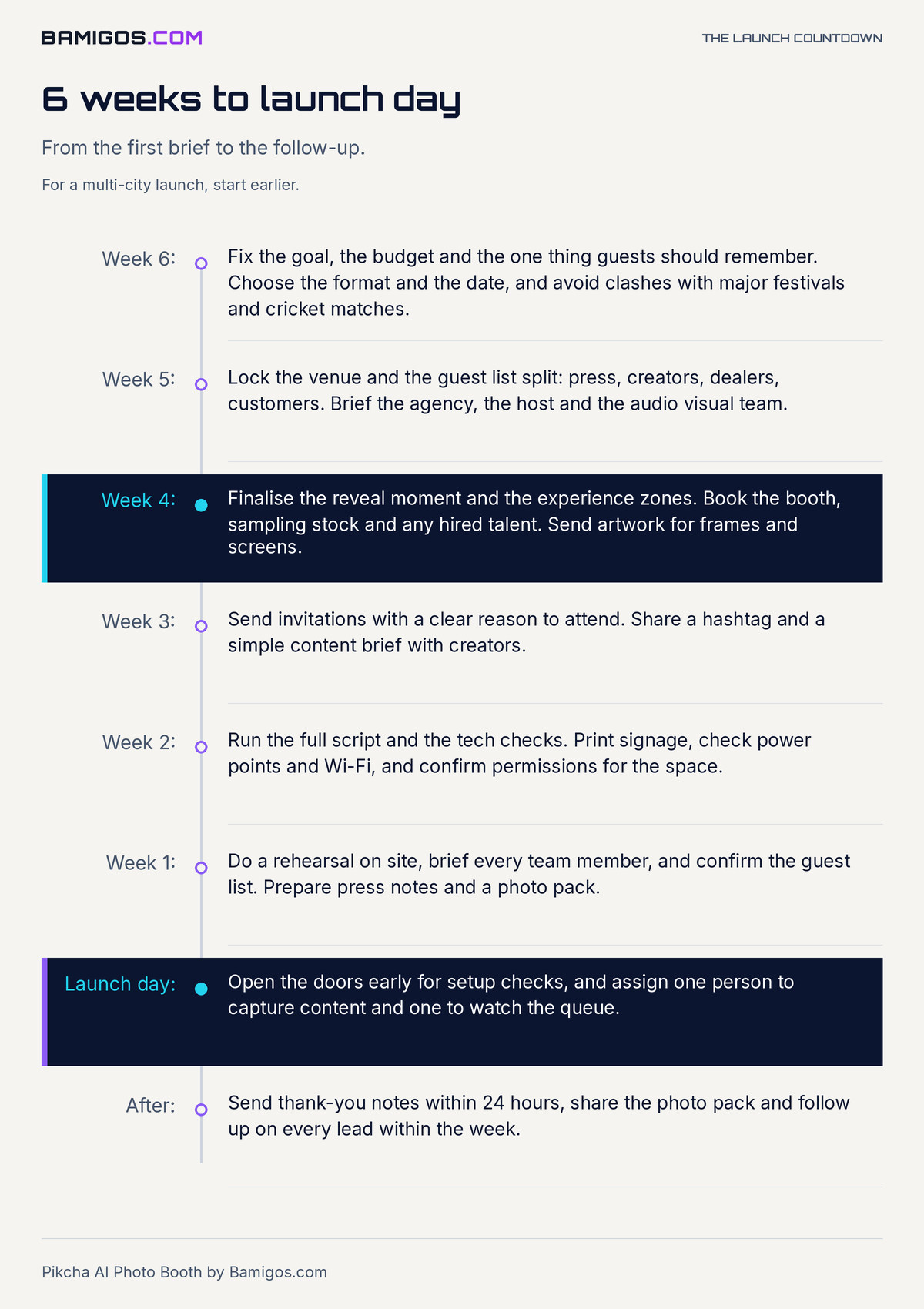
- Week 6: Fix the goal, the budget and the one thing guests should remember. Choose the format and the date, and avoid clashes with major festivals and cricket matches.
- Week 5: Lock the venue and the guest list split: press, creators, dealers, customers. Brief the agency, the host and the audio visual team.
- Week 4: Finalise the reveal moment and the experience zones. Book the booth, sampling stock and any hired talent. Send artwork for frames and screens.
- Week 3: Send invitations with a clear reason to attend. Share a hashtag and a simple content brief with creators.
- Week 2: Run the full script and the tech checks. Print signage, check power points and Wi-Fi, and confirm permissions for the space.
- Week 1: Do a rehearsal on site, brief every team member, and confirm the guest list. Prepare press notes and a photo pack.
- Launch day: Open the doors early for setup checks, and assign one person to capture content and one to watch the queue.
- After: Send thank-you notes within 24 hours, share the photo pack and follow up on every lead within the week.
Product launch event checklist
- One clear goal: awareness, leads, trials or dealer sign-ups.
- A named owner for every item, and a backup for each.
- A launch hashtag that is short, spelled easily and checked for clashes.
- A reveal plan with a rehearsed cue for lights, sound and screens.
- Space for queues, so no experience blocks the entrance.
- Power, Wi-Fi and mobile signal tested in the real venue.
- A content plan: who shoots, where it is posted and who approves it.
- Consent for photos and any data you collect.
- Product stock for demos, with spare units.
- A follow-up plan ready before the event, not after it.
16 product launch ideas that work in India
Pick four or five, not all sixteen. A launch with a few well-run moments beats a launch with many thin ones.
Reveal moments
- The countdown reveal. Run a teaser on social media for a week, then a live countdown on screens in the venue. Guests who saw the teaser feel they are part of it.
- The unveil with a twist. Cover the product, then reveal it in an unexpected way, such as through a light change, a moving wall or the first customer pulling the cover. Keep it under two minutes.
- The founder or celebrity moment. Let the person who made the product, or a face your audience trusts, show it in their own words. Avoid long speeches.
Experience zones and try-it stations
- Try-it stations. Let people use the product. For electronics, set up a bench. For food and beauty, set up a counter. For a car or appliance, let people sit in it, switch it on and hold it.
- A story walk. Lay out the product story in three or four spaces, from the problem to the solution to the first use. It works well for real estate show units and new categories.
- A comparison corner. Show the product beside what people use today. Keep it honest and let the product do the work.
- Dealer demo bays. For a dealer launch, give each dealer a hands-on session with a product expert, plus a take-home pack with the facts they need to sell.
Creator and UGC hooks
Planning a Gaming Zone?
Get expert recommendations and pricing for your venue: including the Pikcha AI photo booth, a self-service photo attraction to evaluate for your venue. No obligation.
- A creator corner. Set aside a well-lit corner with a clean backdrop and your product, so creators and guests can shoot without crowds behind them.
- The AI photo booth. Guests step into a look built around your product or campaign and post the WhatsApp copy with your hashtag. Looks in our library, such as Red Carpet Premiere, Neon VIP Lounge, Space Station Crew and Cricket Champions, show the range, and a custom look can match your campaign. See how it works at corporate events.
- A hashtag wall. Show live posts on a screen near the entrance. Guests see their post appear, which pushes others to join.
- A selfie contest. Ask guests to post with the product and your hashtag, with a small prize for the best entry. Keep rules short and state them clearly.
Sampling, games and contests
- Sampling with a reason. Give samples at a station where staff can say two lines about the product. Random giveaways waste stock.
- A product game. Build a quick game around the product benefit, such as a speed challenge, a quiz or a spin-and-win. Our brand activations page has more formats.
- A scratch and win or lucky draw. Tie the prize to a purchase or a store visit, such as a voucher or an early order slot.
Digital and AR moments
- An AR try-on or product view. Let guests view the product in their own space, or try it on, using a phone link or QR code. It suits furniture, fashion, eyewear and cars.
- A live stream with a chat host. For a virtual plus physical launch, keep a host on chat answering questions and pulling comments onto the stage screen.
- A first-buyer hook. Offer early buyers a launch day price, a numbered unit or a signed card. Use it only if you can deliver on it.
How to measure your product launch
Decide your numbers before the event and set up a way to count each one. Do not use a number you cannot back with a source.
- Footfall. Count entries at the door, by hour. For store launches, compare footfall with a normal day at the same time.
- Leads captured. Count sign-ups, test drives, demo bookings or order forms, with consent. Check how many were followed up within a week.
- Social mentions. Track your hashtag and your brand name for the launch week. Note which posts came from guests and which from creators.
- User generated content. Count the posts guests made themselves, such as photo booth prints shared on WhatsApp and Instagram. These are the most believable posts you will get.
- Sales or pre-orders. Link orders to the launch with a code, a link or a store counter.
- Press pickup. Note which outlets covered the launch and what they said.
Review the numbers with your team within a week. Keep a short note of what worked, so the next launch starts better. You can also read our ideas for corporate event photo booths for more activation formats.
Frequently asked questions
What are some creative product launch ideas?
A countdown reveal, hands-on try-it stations, a creator corner, an AI photo booth with a look built around your product, a hashtag wall and a selfie contest. Pick four or five that fit your audience and budget.
How far ahead should we plan a product launch event?
Six weeks is enough for a single-city launch. Plan eight to twelve weeks for a multi-city launch or one with a celebrity, a big venue or an international guest.
How do we get guests to post about the launch?
Give them something worth posting. An AI photo booth print or a look built around your product works well, because guests get a WhatsApp copy they can post at once. Share the hashtag on the screen, the print frame and the signage.
How much does an AI photo booth cost for a launch?
Pikcha AI Photo Booth rental starts from ₹55K/day, with unlimited prints and an attendant included. Travel and logistics are quoted by city, and the final quote depends on branding and hours.
Can the booth carry our product and hashtag?
Yes. The welcome screen and the 4x6 print frame can show your product, logo and launch hashtag. Send your artwork when you request a quote.
Can we collect leads at the booth?
It depends on your setup. The booth can collect contact details with guest consent if ops supports it, so ask us about collecting opt-ins when you plan the event.
Plan your product launch
Pick the format, lock the date and build the launch around one moment guests want to share. If you want that moment to be a photo, add a booth. Request a quote for an AI photo booth rental with your date, city and guest count, and the Bamigos team will reply with options. You can also calculate your photo booth ROI if you plan to run branded booths across several launches.