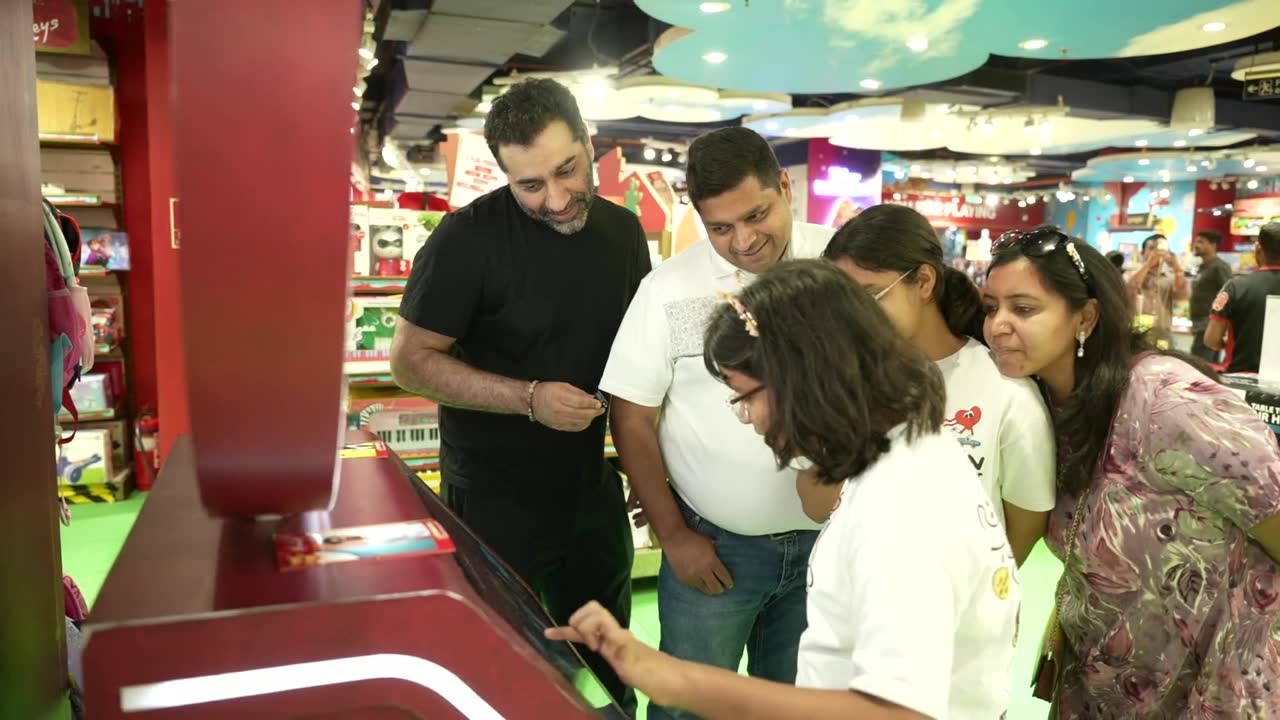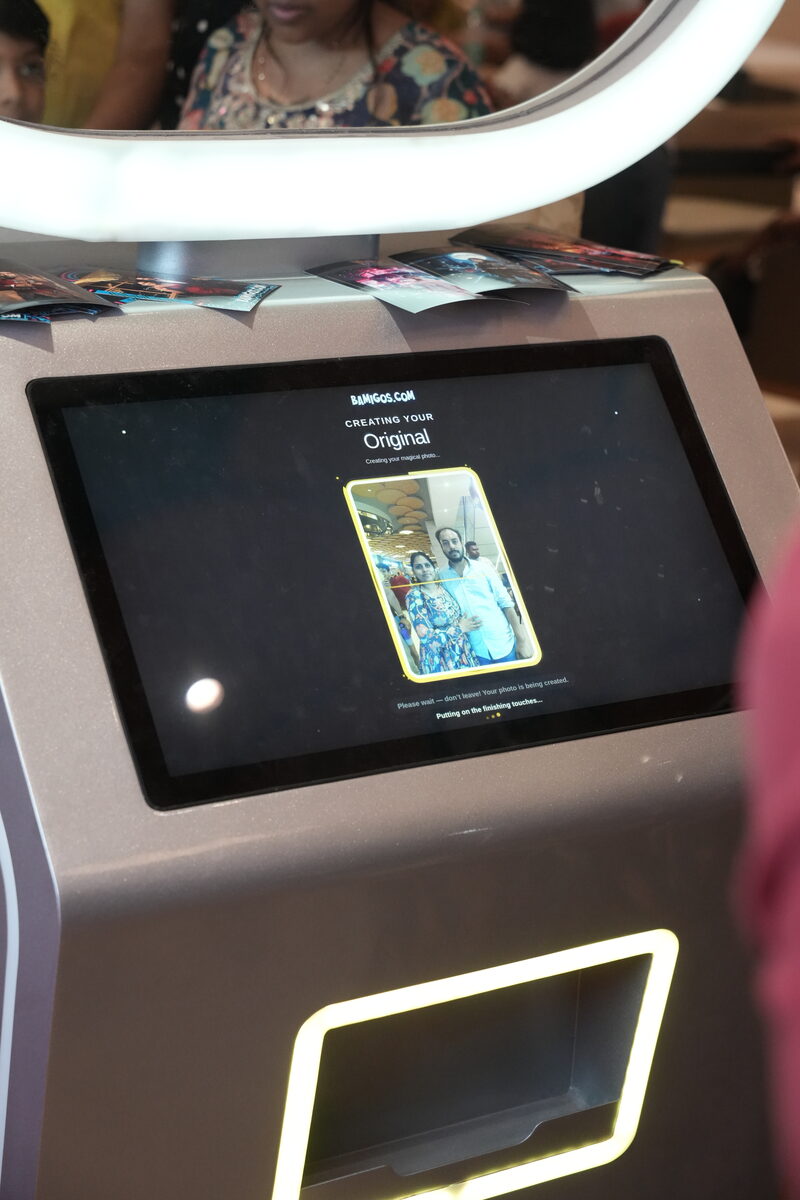
Two AI photo booths can look identical on the outside and behave nothing alike — because the machine is just a shell. The software is the product. It decides whether the AI portrait looks great or disfigures faces, whether you capture a usable lead or just print a photo, whether you can put a brand on every frame, and whether the booth keeps improving or quietly ages. When operators switch booths, it's almost never the cabinet they're unhappy with — it's the software.
Here's what actually sits inside an AI photo booth, and why the software model matters more than the spec sheet.
What the software has to do
- Run the AI transformation — turn a normal photo into the styled, enhanced, or themed result customers actually want to share.
- Drive the experience — the on-screen flow, effects, poses, payment, and delivery.
- Capture and deliver — collect a WhatsApp number or email, send the branded photo, and store the data.
- Stay current — add effects, fix issues, and improve quality over time without replacing hardware.
The last point is where imported, open-source-based booths fall down: the AI is frozen at whatever was bundled at purchase. Pikcha's effects are updated over the air, so the booth you buy this year keeps getting new effects and better output rather than dating.
A maintained booth vs a frozen import
Most imported booths sold in India ship with a fixed effect set and nobody behind it. They work until they don't — inconsistent results across faces and lighting, the occasional disfigured portrait, and a Chinese-language admin UI no one can configure. Bamigos.com builds and maintains the Pikcha operator software and effect library in New Delhi, and we control the release schedule, so problems get fixed, new looks keep arriving, and the admin is in plain English.
That control is also what makes the next two things possible: full white-labeling and deep customisation.
White-label and operator-configurable
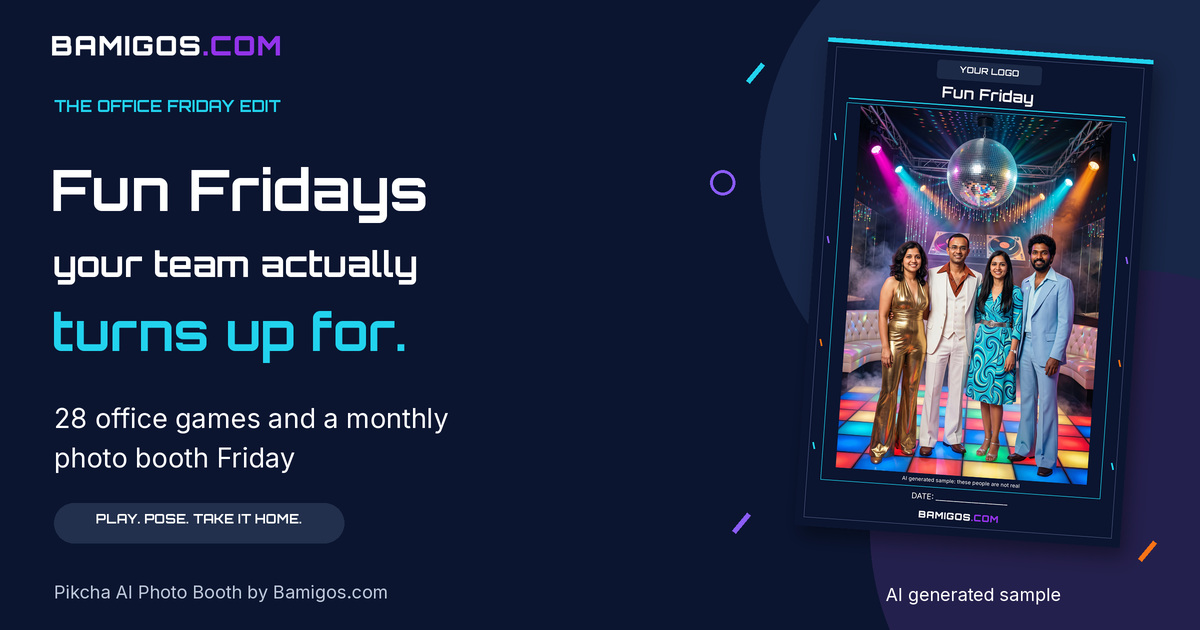
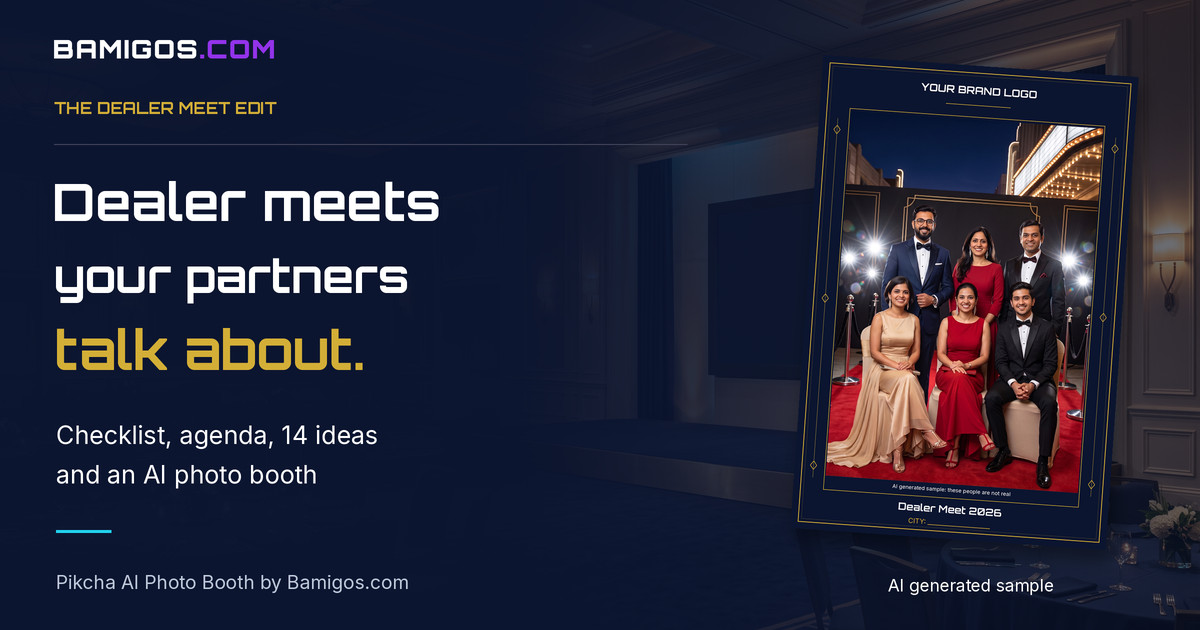
For resellers and brands, the booth can run fully white-labeled — your brand on the interface, the frames, the delivery message, and the output. Operators can configure effects, frames, poses, celebrity-style and K-pop looks, and seasonal themes themselves, and update them between events. It's a platform you run, not a fixed product you're stuck with. (For campaign-specific builds, see our custom games and content.)
Data capture built in
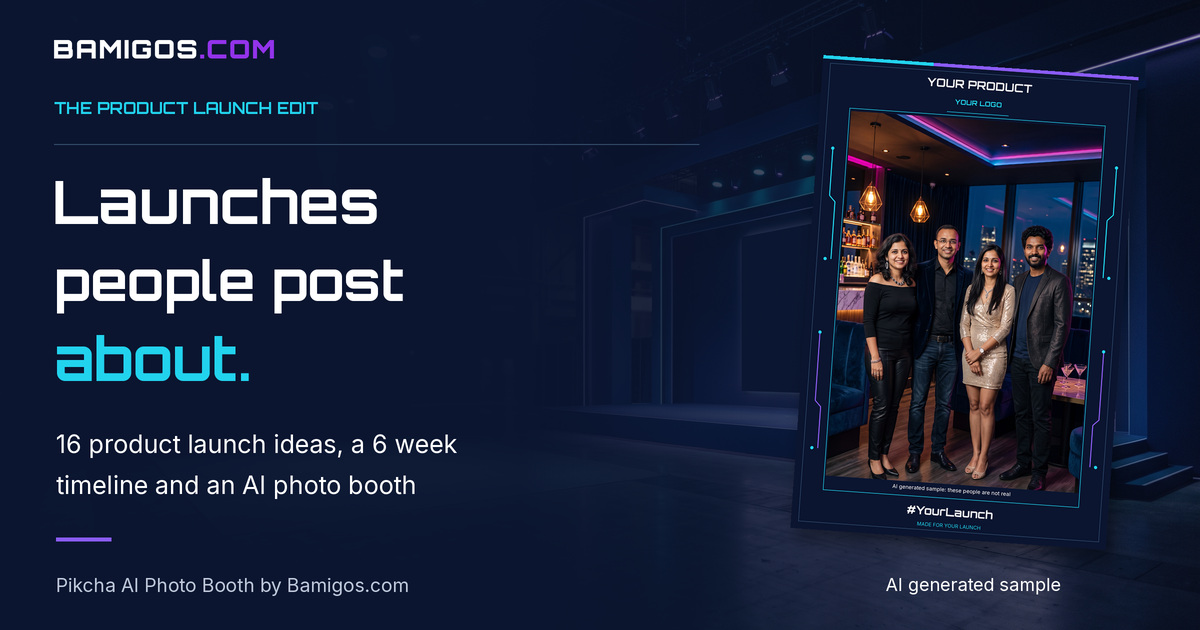
Because it's software, the booth doubles as a lead engine: gate photo delivery behind a WhatsApp number or email (with consent), store every contact against the event, and export the list. A booth without this is just a printer; with it, every session is a captured contact.
Frequently asked questions
Starting a Photo Booth Business?
Get AI photo booth pricing and ROI details from our team. No obligation.
What's the difference between a maintained photo booth and a frozen import?
A maintained booth like Pikcha gets new effects and fixes over the air, and its software can be fully branded. A typical imported booth runs whatever was bundled at purchase, with less consistent output and limited configurability.
Can the photo booth software be white-labeled for my brand?
Yes — the interface, frames, delivery message, and output can all carry your brand, which is why resellers and brands use it as their own product.
Does the software capture customer data?
Yes — it can require a WhatsApp number or email (with a consent option) before delivering the photo, store it against the event, and export the leads to your CRM.
Will the AI keep improving after I buy the booth?
Yes — effects and fixes are pushed over the air, so the booth receives new effects and quality improvements without replacing hardware.
Run the booth as your own brand
Pikcha's photo booth software — white-label, operator-configurable, continuously updated.
Ask About White-LabelSee the booth itself on our AI photo booth machines page.