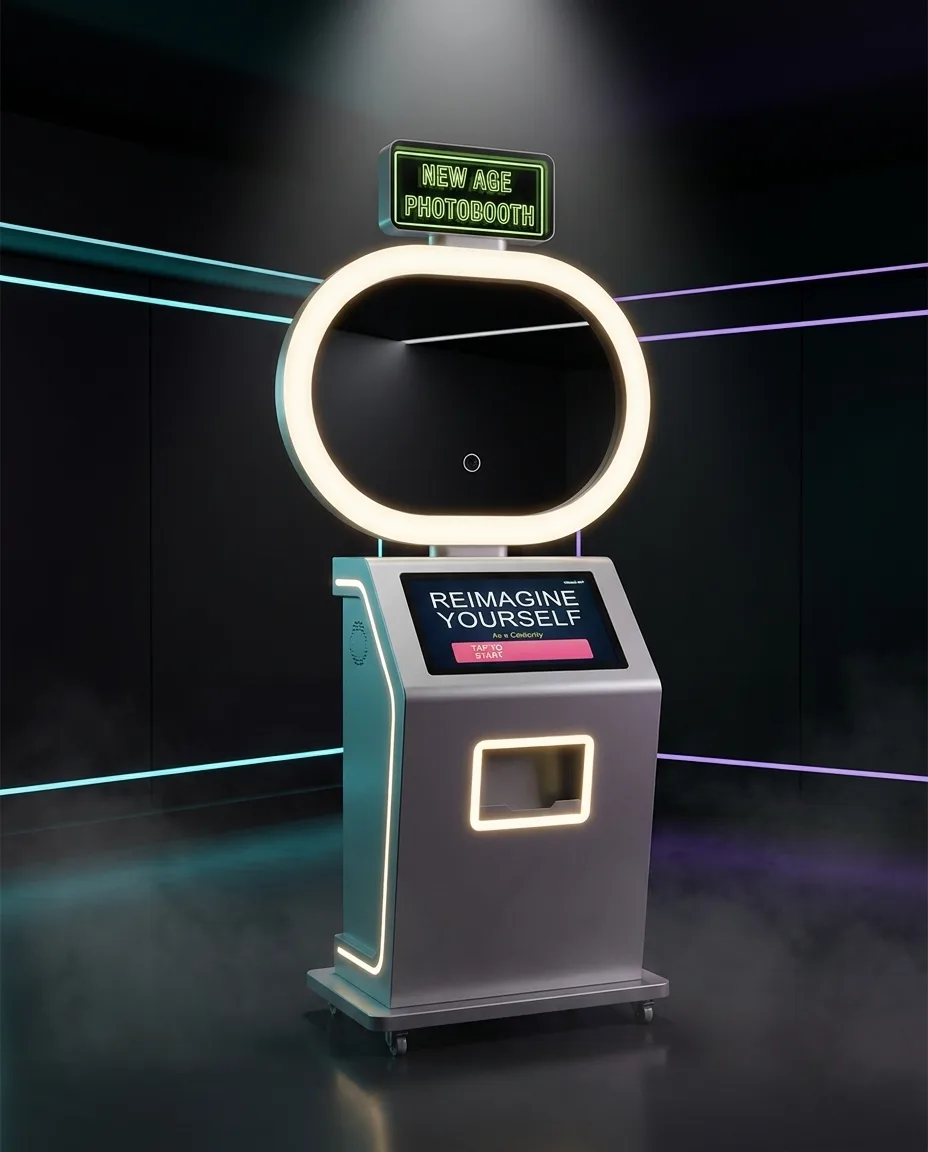
Hottest sellerPikcha AI Photo Booth: running at Hamleys. See Pikcha →

BAMIGOS.COM

Free resource for event planners & brands

Photo booth event planning kit

Bring your venue, creative team and booth operator onto the same page. Plan the guest experience, prepare your brand assets and sign off the details before event day.

Download the free PDF

3 pages · Event checklist, artwork guide and printable brief · No sign-up

Pikcha photo booth with touchscreen and integrated printer
Pikcha by Bamigos. Plan the screens, effects and keepsakes around your event.

The photo booth event checklist

Use this for a wedding, corporate event, exhibition or brand activation. The planning questions work wherever your event is; availability and logistics are confirmed separately for each venue.

1. Write the event brief

  • Venue name, full address and city; event date and guest-facing start and end times.
  • Expected guests, busiest arrival period and whether people will use the booth individually or in groups.
  • Your goal: wedding keepsakes, customer engagement, a product launch or a themed brand experience.
  • One event-day contact and one person who can approve artwork.

2. Choose the photo experience

  • AI effects, non-AI effects, or custom effects around your brand or event.
  • 4 × 6 inch prints or 2 × 6 inch strips; agree the orientation, photo layout and print quantity.
  • WhatsApp delivery, QR code delivery, or both; decide what guests see before sharing their information.
  • Complete software UI branding, custom frames, and the exact screens and effects to approve.

3. Confirm venue logistics

  • Ask the venue about loading access, stairs or lifts, setup and pack-down windows, and parking.
  • Agree the booth position, queue space, lighting and a suitable power connection with the installation team.
  • Confirm internet access and test the agreed digital delivery flow at the venue.
  • Agree operating hours, staffing, transport, taxes and any extra-hour or print charges in the quote.

4. Approve and test

  • Review the screen journey, AI or non-AI sample output, frame and final text together.
  • Approve a physical print proof for cropping, colours and small text before the event run.
  • Test QR and WhatsApp collection using the agreed event configuration.
  • Record who approved the final version and give the event-day team a copy of the brief.

Photo booth branding & print artwork guide

Send your logo as SVG or a high-resolution transparent PNG, brand colours, licensed fonts, required wording and reference artwork. Tell us which parts belong on screen, on the print and in the digital photo.

4 × 6 inch photo prints

At 300 pixels per inch, a portrait canvas is 1200 × 1800 pixels. For landscape, swap the dimensions to 1800 × 1200 pixels.

Agree the number and position of photos, then place the logo, event name and date around the approved photo areas.

2 × 6 inch photo strips

At 300 pixels per inch, a portrait strip canvas is 600 × 1800 pixels.

A narrow strip needs short wording and a readable logo. Confirm the photo count and strip layout before designing the frame.

These are artwork planning dimensions. Confirm the final template, photo cutouts, bleed and safe margins with the booth team; printer cropping and software layouts vary. A screen preview does not replace a print proof.

Brief the effects and software screens

For custom AI or non-AI effects, include the theme, visual references, preferred output and anything to avoid. For complete software UI branding, agree the welcome screen, selection screens, instructions and delivery journey. Approve a sample using the actual event settings.

Planning an event in Delhi NCR?

Bamigos photo booth rentals start from ₹31,500 onwards. Share the venue, date, start and end times, and what you want in the enquiry notes. We will confirm availability, creative scope and a quote for your event.

Share this guide with your planner or designer: bamigos.com/photo-booth-event-planning-kit

WhatsApp Us