VR Zone Setup Guide
Everything you need to know about setting up a VR gaming zone in India - space, equipment, power, and operations.
Space Requirements
| VR Type | Space Needed | Players | Notes |
|---|---|---|---|
| Standalone VR Pod | 4x4 ft per unit | 1 player | No tracking setup needed |
| Roomscale VR | 10x10 ft per arena | 1 player | Requires ceiling sensors |
| VR Arena (Walking) | 15x15 ft minimum | 1-2 players | Backpack PC + wireless |
| Multi-Player VR Arena | 20x20 ft | 4-8 players | Needs isolation barriers |
Pro tip: Add 30% extra space for walkways, waiting area, and safety buffers.
Electrical Requirements
| Component | Power Draw | Outlet Type |
|---|---|---|
| VR Headset + PC | 500-800W per station | Individual 15A outlet |
| VR Arena (Full) | 3-5 kW per arena | Dedicated 32A circuit |
| Cooling/AC | 1.5-2 tons per 200 sqft | Separate circuit |
| Lighting & Sound | 500W-1kW | Shared 15A |
⚡ Critical: Always have a UPS for VR PCs! Sudden power cuts can damage hardware and corrupt game data.
Cooling & Climate Control
VR zones generate significant heat from gaming PCs and active players. Plan for:
- 1.5-2 tons AC per 200 sqft of play area
- Target temperature: 22-24°C (players in VR get warm quickly)
- Good ventilation to prevent headset fogging
- Separate AC circuit from gaming equipment
Equipment Checklist
VR Hardware
- VR headsets (Quest 3, Pico 4, etc.)
- Gaming PCs (RTX 4070+)
- Tracking sensors
- Controllers & accessories
Infrastructure
- Cable management systems
- Ceiling mounts
- Safety barriers
- Hygiene stations
Comfort
- AC/cooling (critical!)
- Seating areas
- Sanitation supplies
- Headset covers
Operations
- POS system
- Booking software
- CCTV cameras
- Signage
Staffing Requirements
- 1 operator per 3-4 VR stations - handles onboarding, troubleshooting
- 1 front desk staff - bookings, payments, customer queries
- Training: Each staff should complete VR sessions themselves to understand common issues
- Hygiene duties: Wipe headsets, replace face covers between sessions
Common Setup Mistakes to Avoid
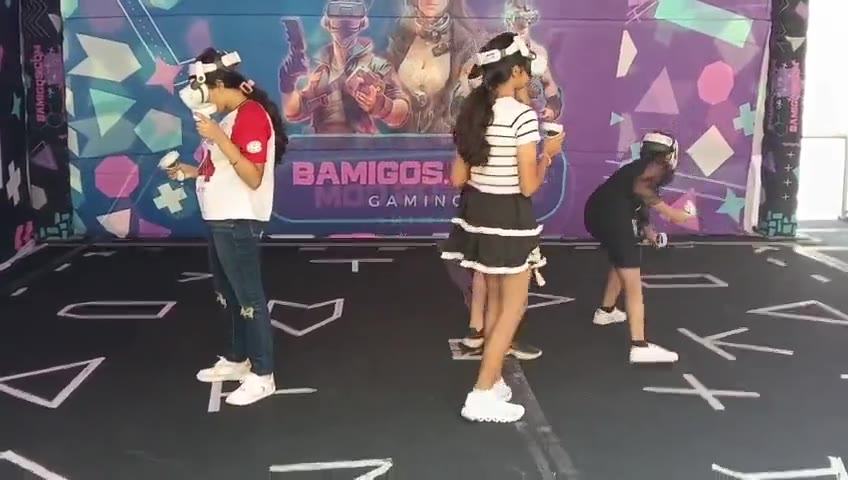
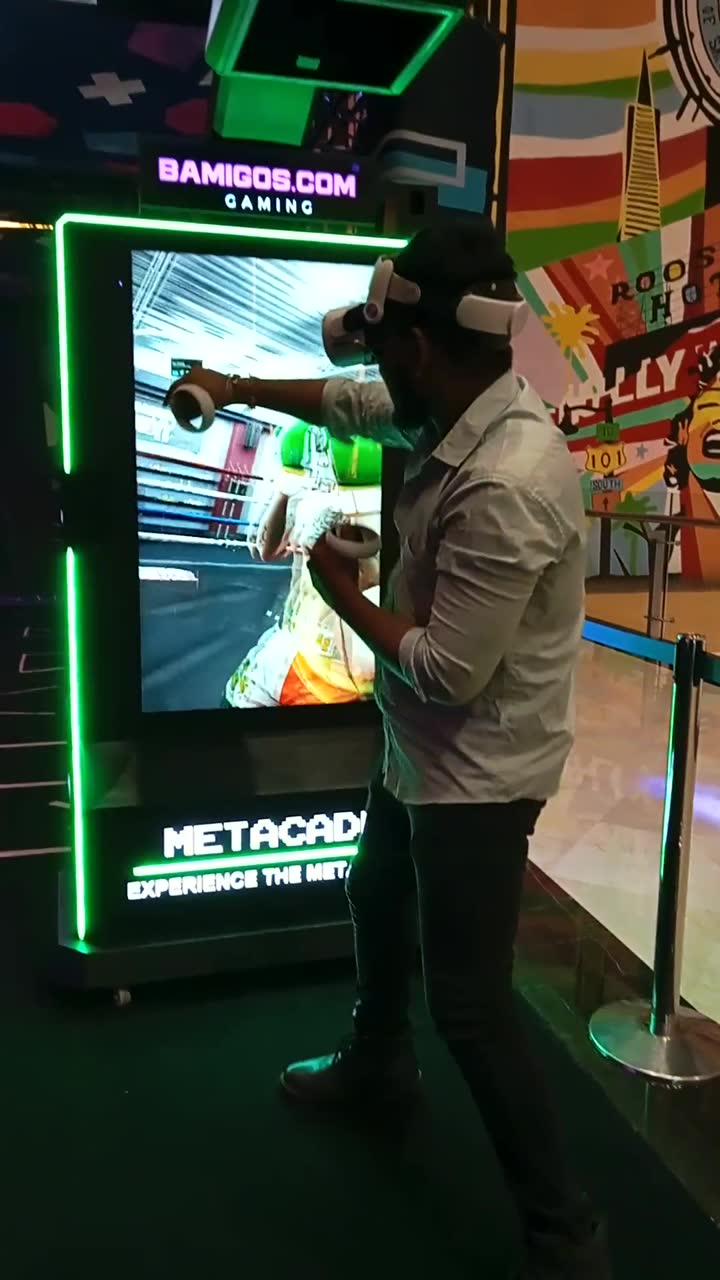
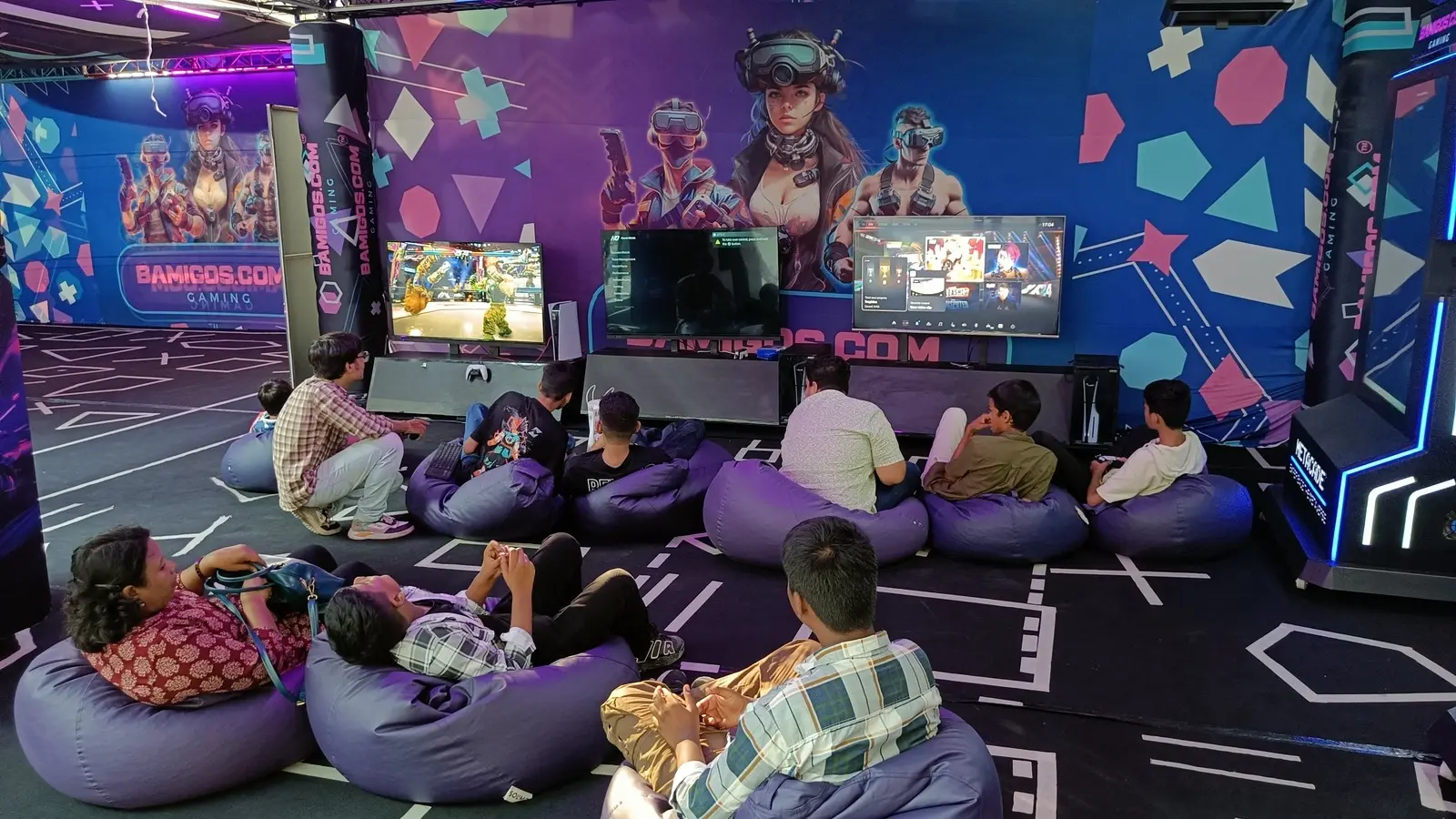
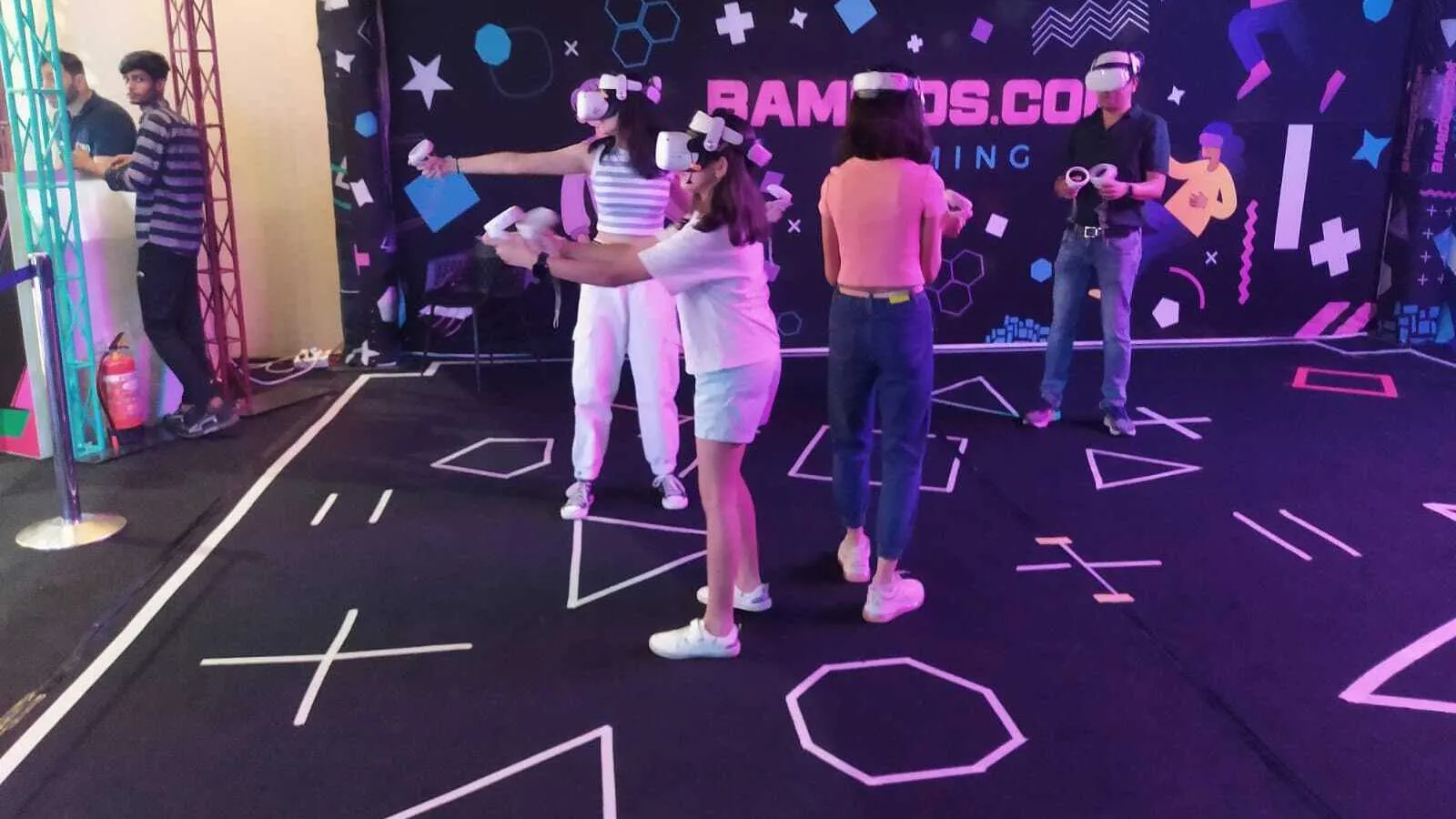
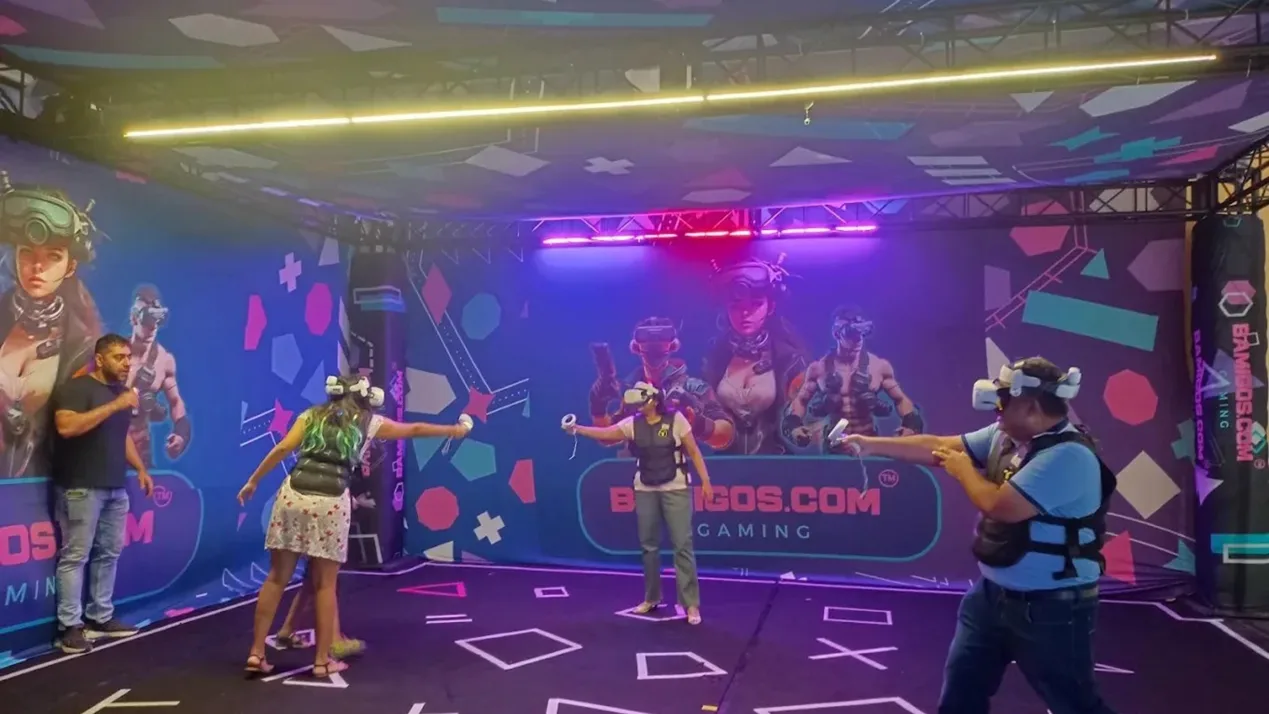
A VR Arena in Play
A multiplayer arena anchors a mid-size or premium VR zone; a single-player cabinet fills a smaller one. Real footage of VR machines built by Bamigos.
Investment Overview
Small VR Zone
2-3 stations, 200-300 sqft
Medium VR Zone
4-6 stations + arena, 400-600 sqft
Premium VR Center
8+ stations, multi-arena, 800+ sqft
Prices in this guide are typical Indian market ranges, not Bamigos quotes. Ask us for yours.
Ready to Build Your VR Zone?
Get expert consultation on VR equipment, space planning, and setup.